

Photo Booth Printing & Consumable Planning
Bind the printer, consumable part number, software layout and output format before comparing the cost per successful output. Similar-looking paper is not interchangeable. Printer compatibility is confirmed for the consumable, software layout and output format bound to that printer.
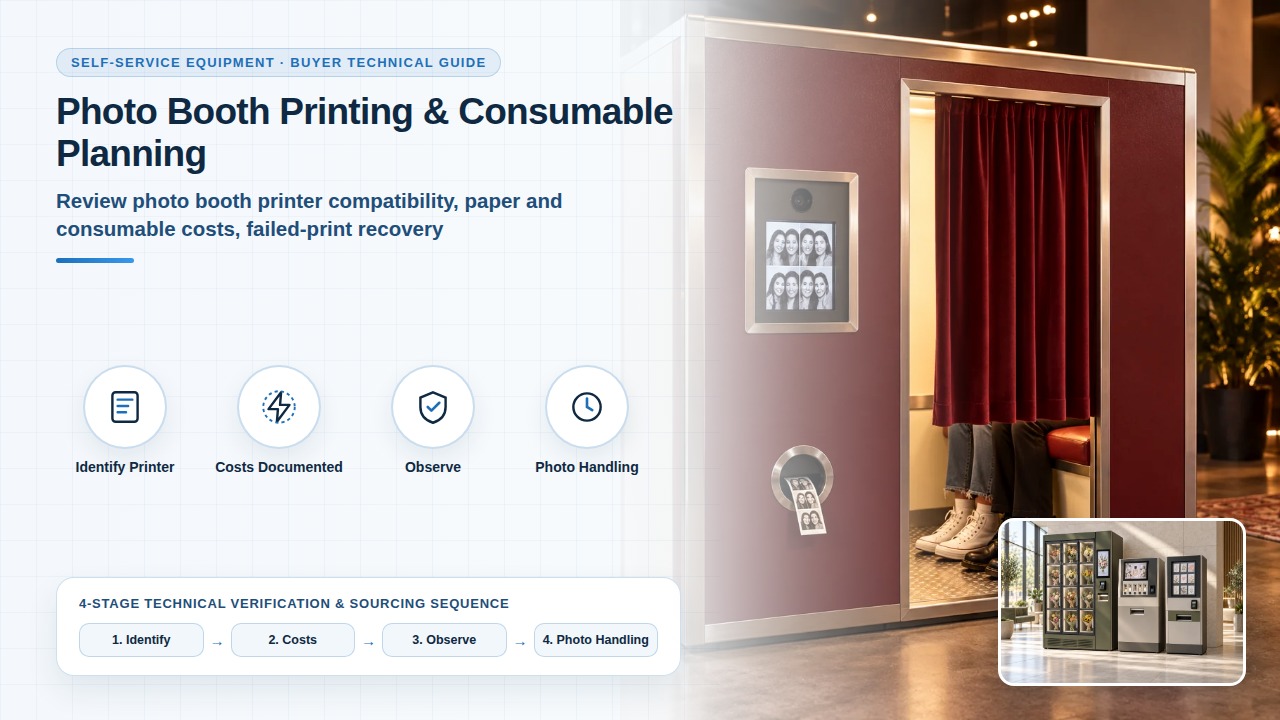
Identify the printer and consumable combination
Request the exact printer reference, supported output formats and matching paper or other consumable references for the offered booth. Ask which layouts the proposed software can produce on that combination. Availability and replenishment arrangements should be confirmed for the destination and intended operator.
Fixed Self-Service Photo Booth vs Event Rental — Use this comparison when deciding whether paper refill and a failed-print response sit with the fixed-booth operator or with a separate event-service agreement.
Project review sequence
Build costs from documented inputs
Separate the consumable pack price, the stated usable quantity and the observations from your trial. Allow the operator to record discarded or unsuccessful outputs without presenting a theoretical pack yield as achieved customer sales.
Enter the pack quote and currency, the factory stated yield, the actual output from the trial, waste or failed output, service and replenishment fees, and the bound configuration and format in the blank cost row. Enter the task number, the payment status that remains, and the failure or recovery observation in the blank case row. Those columns record what was observed. They do not state that a job will be reprinted or refunded.
Fixed Self-Service Photo Booths with Printing Options — Use the booth page when deciding whether a quoted print capacity can stand in for customer sessions on the bound output format and consumable.
Observe unavailable-output cases
Use an agreed demonstration procedure to examine an out-of-paper or failed-print case. Record what the customer sees, what payment status remains and how an authorised operator restores service. Do not assume that a restored connection automatically prints or refunds an earlier job. Trace the job reference and define who resolves any discrepancy.
Consumable, print job and result record
Plan photo handling and refill access
Record who can access captured images, how the proposed software deletes them and any provider dependency in that process. Use non-personal test images when reviewing the workflow. Customer information and retention decisions belong in the project’s own review.
Frequently asked questions
Can paper that looks the same be used in place of the bound consumable?
Printer compatibility is confirmed for the consumable, software layout and output format bound to that printer. Request the exact printer reference and the matching paper or other consumable reference for the offered booth. Do not assume that consumables with a similar size or appearance are interchangeable. The booth page asks for the printer model and the compatible paper for that booth. The fixed-or-rental comparison records the printer, software version, selected layout and consumables together.
Can the consumable pack’s stated yield be entered as customer sales?
Separate the consumable pack price, the stated usable quantity and the observations from the trial. Record discarded or unsuccessful outputs without presenting a theoretical pack yield as achieved customer sales. On the booth page, a quoted print capacity is tied to the actual output format and consumable configuration rather than treated as a universal number of sessions.
Does restoring the network automatically reprint the earlier job?
Do not assume that a restored connection automatically prints or refunds an earlier job. Trace the job reference, record the payment status that remains, and define who resolves any discrepancy. Where the workflow requires a network, review the proposed behaviour during the interruption. The booth page records how an affected customer session is resolved, including the sequence between payment, capture and completed output. The fixed-or-rental comparison includes an agreed unsuccessful-output case and names who helps the customer.