

SELF-SERVICE PHOTOS WORTH KEEPING
Fixed Self-Service Photo Booths with Printing Options
Configure a fixed photo booth around capture, print format, consumables, site access and routine support. Define event staffing, transport and removal separately when required.
For operators, commercial sites and equipment distributors.
Share your machine configuration and operating requirements with our team.
Explore the details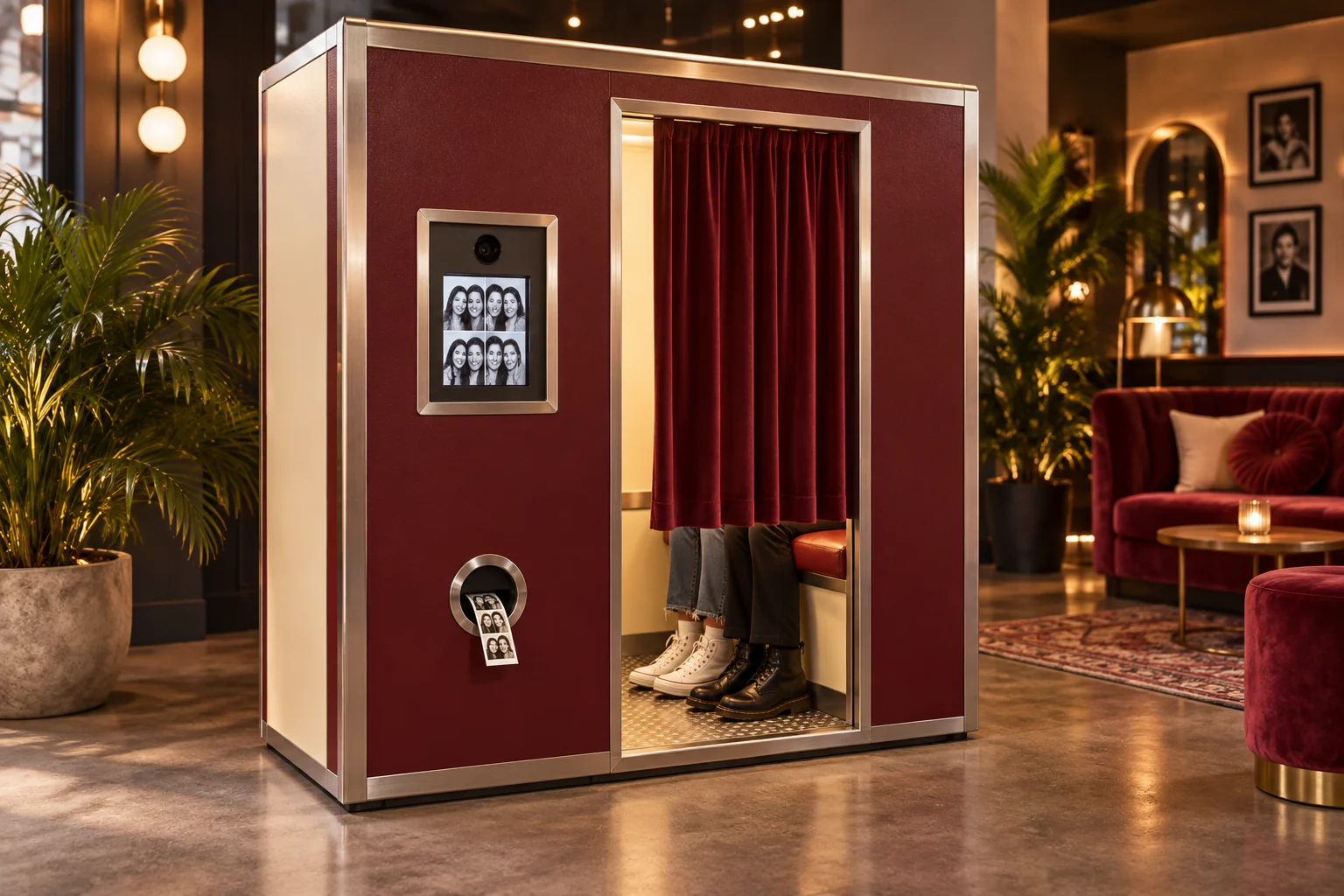
- Fixed venue installation
- Capture-to-print workflow
- Privacy and service planning
FROM IDEA TO CONFIGURATION
Give visitors a moment they can take away.
- Choose the photo experience
- Review capture and print output
- Plan supplies and photo-data handling
POSSIBLE SETTINGS
Shopping and leisure venues
Tourist destinations
Permanent photo studios
01
Fixed Self-Service Booth, Not Event Rental
This category is for a fixed self-service photo and printing booth at an operating site. The equipment route is separate from a temporary event rental, a rotating event-camera platform or a phone application. Start with the user's expected output and the site's operating responsibilities.
Fixed Self-Service Photo Booth vs Event Rental — Use this comparison to decide whether the project is a fixed installation or an event rental with its own staffing, transport and removal.
Project review sequence
02
Capture, Layout & Printing Workflow
Specify the intended photograph sizes, layout choices, number of prints and any digital output you require. Describe how the user starts the session, previews or selects a result and collects the output. Request a complete demonstration of those steps on the proposed system. Distinguish documented functions from requested changes to templates or software. Each output format, retake rule and customer workflow is supported when the proposed system’s demonstration includes it.
Capture to failure handling
03
Printer Consumables & Service Access
Ask for the printer model, compatible paper and other consumables, replacement instructions and the access needed for servicing. Identify who will monitor supplies, visit the booth and clear a routine interruption. Confirm the proposed local sourcing route for replenishment materials. Request demonstrations of low-supply warnings, a paper-out condition and recovery after replenishment. A quoted print capacity should be tied to the actual output format and consumable configuration rather than treated as a universal number of sessions.
Photo Booth Printing & Consumable Planning — Use this page to decide whether the printer, paper and failed-print recovery match the photo output for this booth.
04
Space, Power & Payment Requirements
Provide a site plan with available footprint, user space, access, lighting conditions and the clearance needed to open service panels. State the available electrical supply and network arrangement. The proposed booth should be checked against that location rather than assumed to suit every indoor space. Identify the country and merchant for payment. Installation, payment onboarding and daily operating support should be separate, explicit responsibilities in the requested project scope.
05
Photo Data & Operator Responsibilities
Describe whether photos or other session data need to be stored, transferred or deleted, and what information users will be shown. These questions belong in the software and operating review. Define the data and privacy requirements for the actual installation with the responsible local team. The operator must establish the appropriate requirements for the location and audience before deployment. Do not send actual customer photographs, identity records or account passwords in an initial equipment discussion.
06
Submit Your Booth Deployment Brief
Submit the installation country and venue, unit count, required photo outputs and intended operating hours. Include the person or team responsible for consumables, cleaning and fault response. State whether the first unit is a trial and what output and service questions it must answer. We use the deployment brief to prepare the booth configuration, output checks and delivery proposal.
Frequently asked questions
Do you provide event photo booth rental?
This category is a fixed self-service photo and printing booth at an operating site. The equipment route is separate from a temporary event rental, a rotating event-camera platform or a phone application. Event staffing, transport and removal are defined separately. An event-rental enquiry concerns a scheduled service with transport, setup, attendance and removal, confirmed with a local service provider. Wedding packages, event dates and a rental team stay in that provider agreement.
Does print capacity equal the number of sessions?
A quoted print capacity is tied to the actual output format and consumable configuration rather than treated as a universal number of sessions. The consumables review keeps the stated usable quantity separate from the trial observations, and a theoretical pack yield is not entered as achieved customer sales. Each output format is supported when the proposed system’s demonstration includes it.
Who handles the customer task after the booth runs out of paper?
Identify who monitors supplies, visits the booth and clears a routine interruption. The review includes a paper-out condition and recovery after replenishment, and records how the affected customer session is resolved. It records what the customer sees, the payment status that remains, and how an authorised operator restores service, and names who resolves any discrepancy. A restored connection is recorded separately from printing or refunding the earlier job.