

Phone Case Machine Blank & Model Compatibility
Verify the phone model, blank, fixture, software and print process together. A mismatch can leave a finished case unusable even when one component appears compatible.
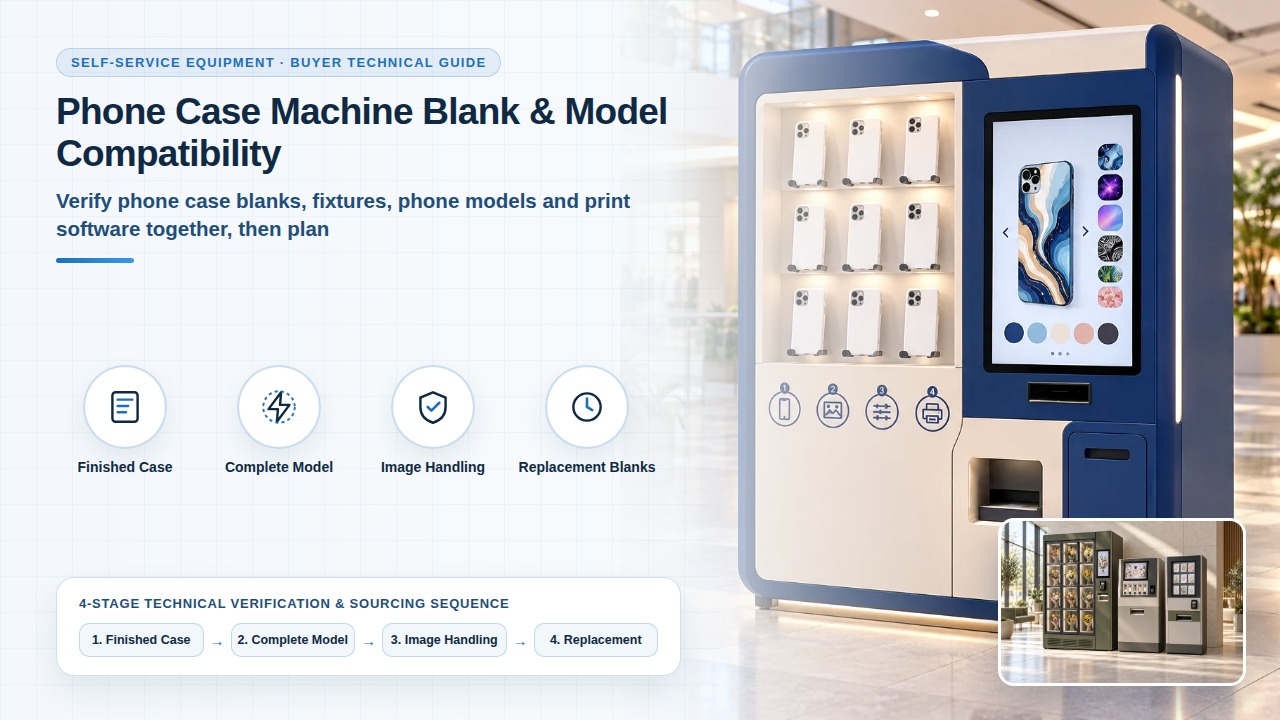
Separate the finished case from the printing blank
Identify whether the project sells finished cases or prints onto a blank after the customer selects a design. For each phone model, provide the exact case reference, dimensions, material description and intended print area. Printing compatibility is confirmed from the case reference, dimensions, material and intended print area.
Phone Case Vending and Custom Printing Project Options — Choose ready-made case vending or on-demand printing. Submit supported phone models, case blanks and artwork workflow for feasibility review.
Ready-Made Phone Case Vending vs Custom Printing — Compare ready-made phone case vending and on-site printing by product samples, artwork workflow, replenishment and software requirements.
Project review sequence
Verify the complete model and print combination
Ask our engineering team to demonstrate the offered blank, fixture, print process and software version together. Record positioning, the completed design and the condition of the case after collection. Retain failed or incomplete cases in the record. Do not extend one successful sample to different case materials, finishes, phone models or consumable combinations.
Model, blank, fixture and software
Review image handling and customer recovery
Describe how a customer supplies or chooses an image and what happens when a job is cancelled or interrupted. Ask who can access uploaded files, how removal works and what is retained in the proposed software. Use authorised sample artwork and demonstration accounts. Permission to print a design is confirmed for the authorised sample artwork and the proposed software.
Plan replacement blanks and catalogue changes
Request the current supported-model list with its date and the blank references needed to replenish it. Identify who adds or removes a model, how a discontinued blank is handled and which changes trigger a retest. Compatibility should remain tied to the demonstrated combination rather than a general promise to support every new phone.
Frequently asked questions
Does a model shown on the menu mean a blank is available?
Record the menu model with the blank part number, material, fixture, software, trial result and catalogue version. On the phone case vending machines page, the supported-model list is the verified list of blanks, inventory and software in the proposed configuration. A completed trial stays with the blank, fixture, print process and software version demonstrated together.
Does a material change need the combination checked again?
Keep a successful sample with the case material, finish, phone model and consumable combination that was demonstrated. A different material returns to the same joint check of blank, fixture, print process and software version. Another case type is a requirement beyond the outer cabinet, and the ready-made versus printing comparison asks which materials and processing steps can be demonstrated.
Who updates the catalogue after a blank is discontinued?
Name who adds or removes a model and how a discontinued blank is handled. The phone case vending machines page asks who maintains the supported-model list and how discontinued or unavailable cases are removed from the customer selection. The ready-made versus custom printing page asks who manages stock and removes products that no longer match the displayed offer.