

PPE Vending Integration Requirements
Map authorisation, issue, inventory changes, failure and reconnection between named systems. Applicable scope: an undocumented interface, an unavailable test environment, or an ERP or CRM connection the interface review has not named, stays a project dependency.
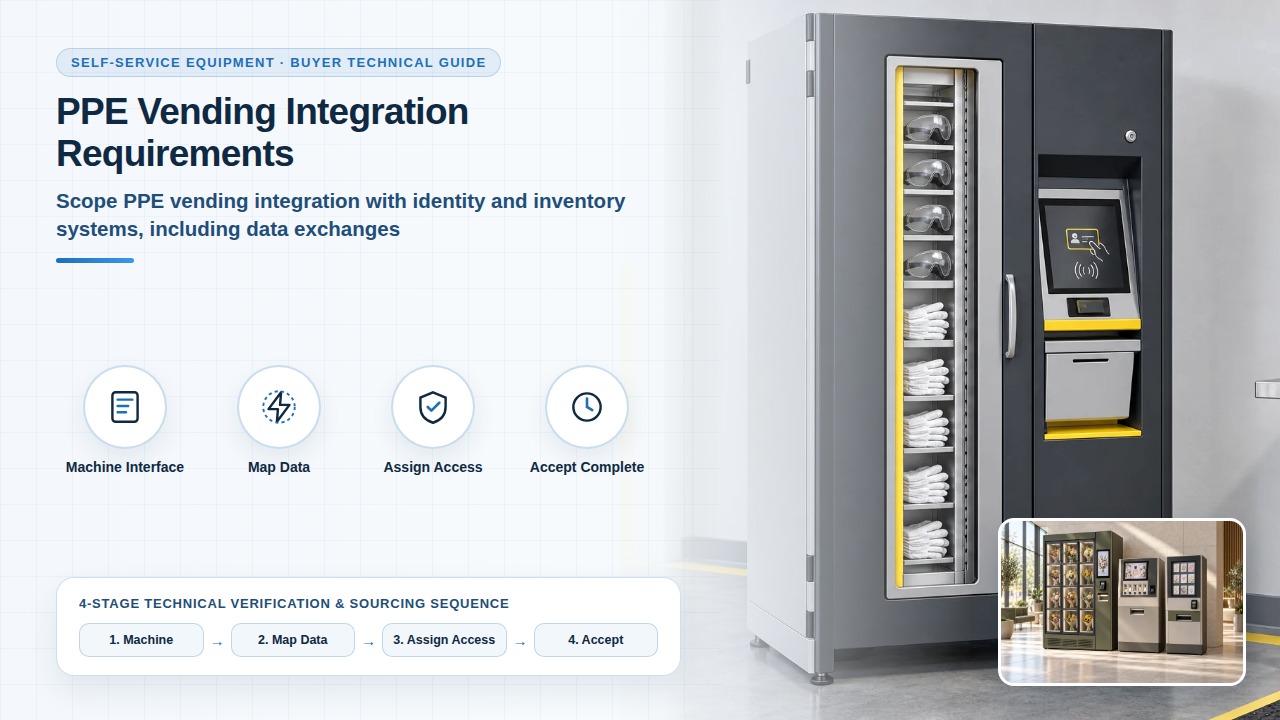
Separate the machine interface from the business system
Identify the system that owns employee identities, item records, permissions and inventory transactions. Explain which information the equipment must receive and which events it must return. A reader connected to a machine is different from an agreed connection to an ERP or identity service. Request the actual interface documentation and name the organisations responsible for each side.
PPE Vending: Employee Access & Issue Controls — Identity input for this integration: employee groups, permitted items, denied access and issue limits the exchange has to carry.
PPE & Industrial Supply Vending Machines — Equipment input for this integration: the PPE category, the retail or employee-issue route, and the replenishment record before the systems are named.
Project review sequence
Map the data and event sequence
Define identifiers, units, required fields and the direction of each exchange. Describe when an issue is authorised, when stock is changed and how a completed or failed collection is recorded. Agree how repeated or delayed messages are recognised. Accept the complete event and the final record. A successful request does not replace integration acceptance.
Software Access, Data & Service Ownership — Next software step for this integration: the account, the export, the interface file and the party who handles a change to either system.
Identity, machine, inventory, receipt
Assign access, testing and change responsibilities
Use an agreed test environment and test identities. Identify who supplies credentials, who may change configuration and how access is removed after testing or support work. Do not share production secrets through the initial WhatsApp discussion. Agree who investigates a mismatch and maintains the integration when either system changes. Responsibility for future changes is the party named to maintain the integration when either system changes.
Accept the complete workflow
Retain the machine and business-system evidence for each case.
Frequently asked questions
How do you accept a repeated issue message?
Include duplicate events in the acceptance cases. Agree how a repeated or delayed message is recognised, then check that the final record describes the actual collection. A successful request does not replace that check. The PPE dispensing page names the issue-log fields to specify: user reference, item, quantity, time, machine and any department or cost allocation. The employee-access page records an interrupted collection with an expected result, an observed result and a supporting record.
Who reconciles inventory after the connection returns?
The party named on this page to maintain the integration investigates the mismatch after reconnection. Reconciliation after a connection loss is an acceptance case here. The PPE dispensing page names who checks low stock, who investigates a discrepancy, and that a displayed count is reconciled with the physical stock.
Who retests after either system is upgraded?
The party named on this page to maintain the integration when either system changes repeats the acceptance cases for that change. Record the version dependency first. The software-ownership page identifies responsibility for changes on both sides of a documented interface and how a compatibility change is communicated. An interface the review has not named stays a project dependency.