

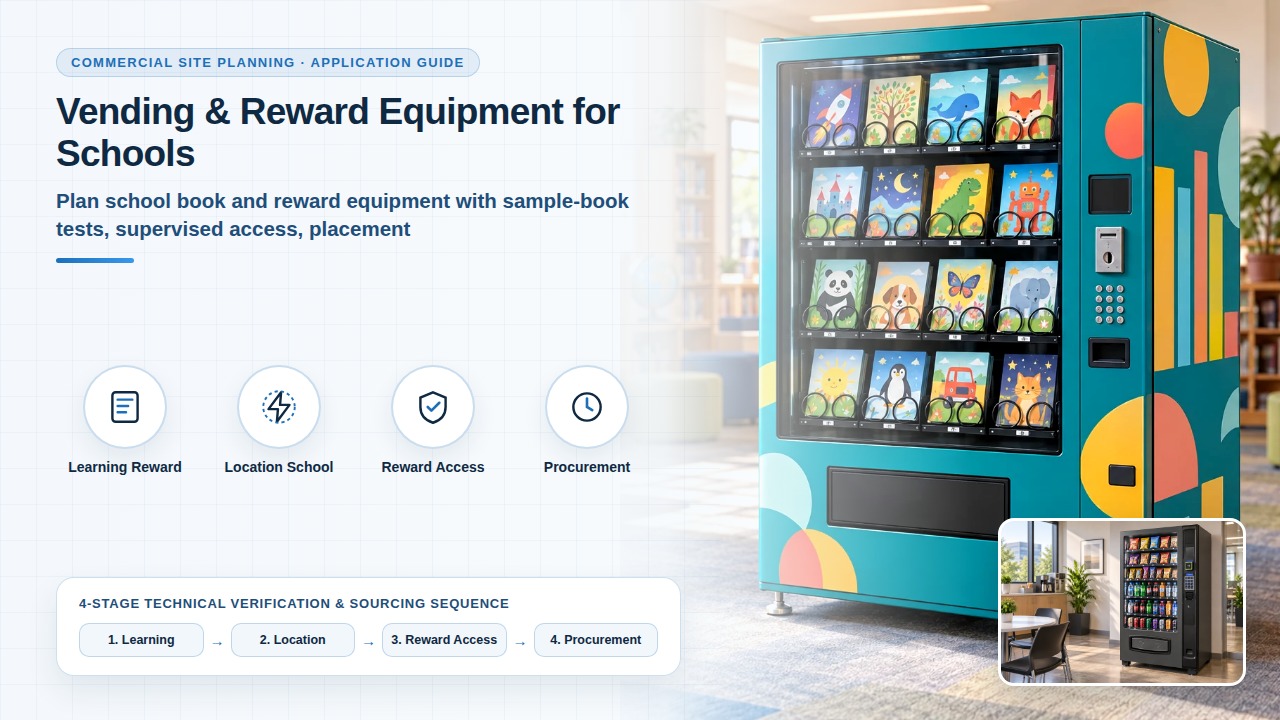
Vending & Reward Equipment for Schools
First define the school’s reward or sales programme, then review book samples, placement and data access. Treating rewards as ordinary retail can overlook teacher permissions and pupil-information boundaries.
Define the learning or reward programme
Identify the age group, responsible staff member and supervised access hours. List actual book dimensions, weight, covers and assortment changes.
Book Vending Machines for Schools — Compare paid book vending and token-based reading rewards. Confirm book sizes, access rules and school operation before requesting a configuration.
Book Vending Machine Size Compatibility — Measure book dimensions, weight and packaging, then check loading, release, collection and cabinet access before approving an assortment.
Project review sequence
Review the location with the school
Have the school’s facilities team review dimensions, door opening, refilling, fixing, power and connectivity. Walk through pupil approach, selection, collection and staff help. Keep installation decisions with the site engineer. teacher authorises → pupil selects → book collection / staff help.
Teacher authorisation, book choice and help
- 1. Authorise. Teacher: Grants access. Pupil: Waits. Staff help: Sets the rule.
- 2. Select. Teacher: Stays on duty. Pupil: Chooses book. Staff help: On hand.
- 3. Exception. Teacher: Reviews case. Pupil: Asks for help. Staff help: Responds.
Separate reward access from personal data
Demonstrate tokens, codes, cards or staff-controlled access as proposed. Establish whether pupil records are needed, what data is collected and who can access, remove or export it. Use non-personal demonstration records and the school’s review before any identity connection. School-account integration is confirmed in that review.
Book Vending: Rewards vs Paid Sales — Compare reward collection and paid sales by access rules, exceptions and staff tasks before treating a reward issue as ordinary retail.
Prepare procurement and a supervised trial
Compare configuration, installation, sample tests, training and support for the offered version. Keep promised documents separate from demonstrations. Complete the record under supervision; use process descriptions, not pupil names. Log reward issue, failed issue, staff intervention and restocking on that supervised trial record.
Supply and fit stay with the offered configuration after the school checks the book samples, the placement and the selected programme. Quantity and sample dimensions remain buyer inputs.
The book vending page publishes reward authorisation, a staff response to a lost token or failed selection, and refilling as separate checks, and it keeps pupil identifiers out of the first discussion. The rewards-versus-paid page records configuration, release, collection and staff intervention for each mode, and it keeps that note as a preparation record. This record is a purchase-preparation tool for those published checks. It is not a completed measurement and it is not a service commitment from this site.
Record reward issue, failed issue, staff intervention and restocking under supervision before accepting the programme.
Book Vending Machines for Schools — Use the published reward-authorisation, failed-selection and refilling checks, and keep pupil identifiers out of the first discussion.
Book Vending: Rewards vs Paid Sales — Use the published per-mode record of release, collection and staff intervention when reward issue and paid sales are both in scope.
Project input record
Send the site, quantity and samples for Vending & Reward Equipment for Schools. The project specification records those inputs with the selected configuration.
Related reading and scope
Book vending machines — distinguish sales and rewards. Book vending: rewards vs paid sales — compare access and exceptions.
Book Vending Machines for Schools — Use this to separate paid book sales from reward collection before the school chooses hardware.
Book Vending: Rewards vs Paid Sales — Use this to compare access rules, exceptions and the staff needed for each mode.
Book Vending Machine Size Compatibility — Use this to measure the actual books and recheck loading, release and collection when the assortment changes.
Frequently asked questions
Do we have to send pupil personal information?
This question comes from the personal-data review on this page, which asks whether pupil records are needed and tells the school to use non-personal demonstration records. Describe who may access, remove or export data, and do not send a pupil list. The book vending page keeps pupil identifiers out of the first discussion and puts personal-data responsibilities in the procurement documents for the offered version.
Does a token demonstration prove school-account integration?
This question comes from the access review on this page. A token, code, card or staff-controlled demonstration shows the proposed access workflow. School-account integration is confirmed only in the school’s review of what is collected and who can access, remove or export it. The book vending page treats points integration as its own system, permission, data-exchange and support review, and it does not treat a token demonstration as a verified points interface.
How do we recheck the assortment when the book list changes?
This question comes from the assortment-change check on this page. List the new dimensions, weight and covers, then review those samples with the offered configuration. The book vending page uses physical samples of representative books, including height, width, thickness and cover type, and it compares the offered version with the samples and the book list. The new list and the largest and smallest samples are buyer inputs and remain to be verified.